Input
Data or commands enter the system.
Keyboard · mouse · microphone · touchscreen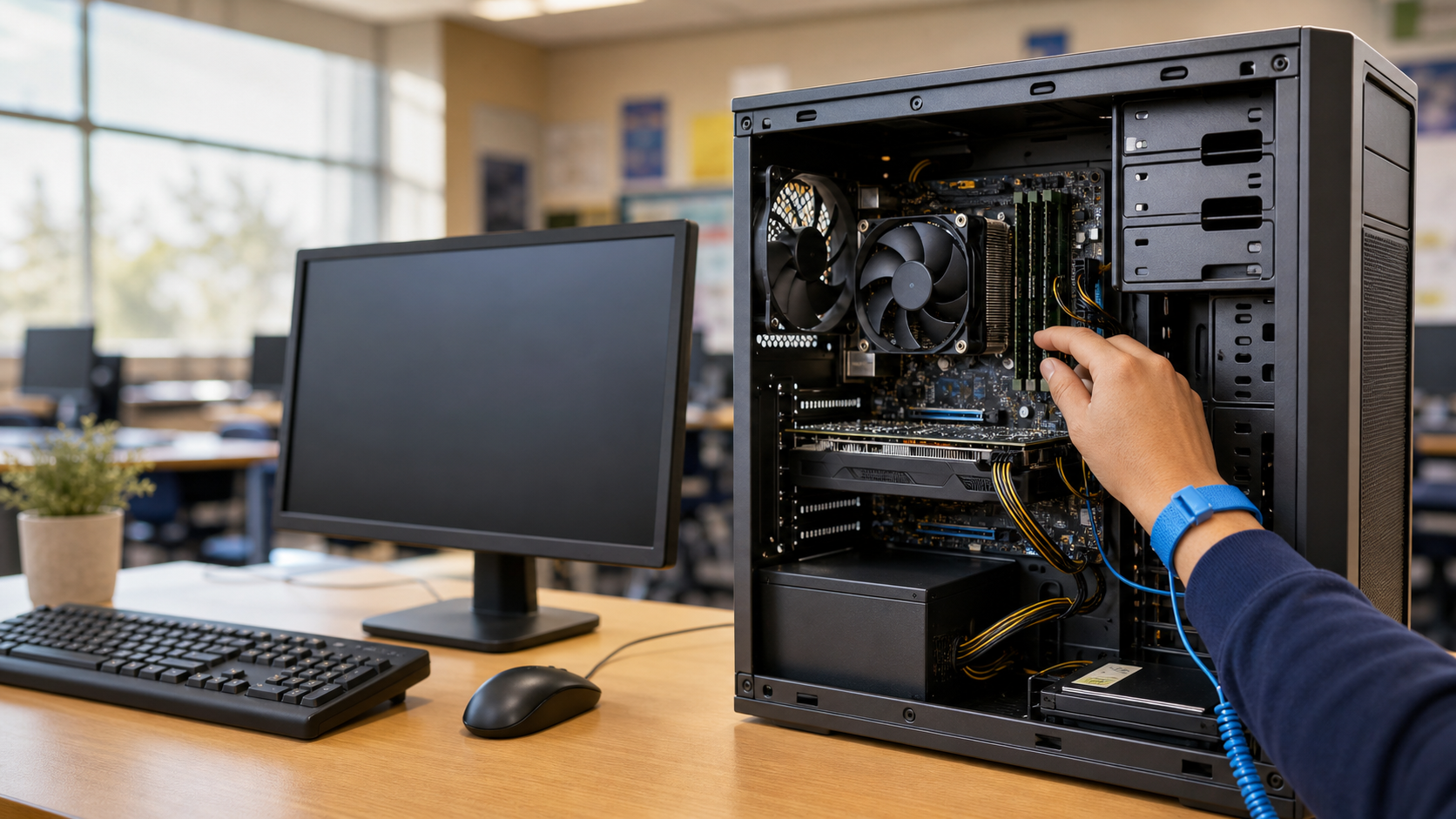
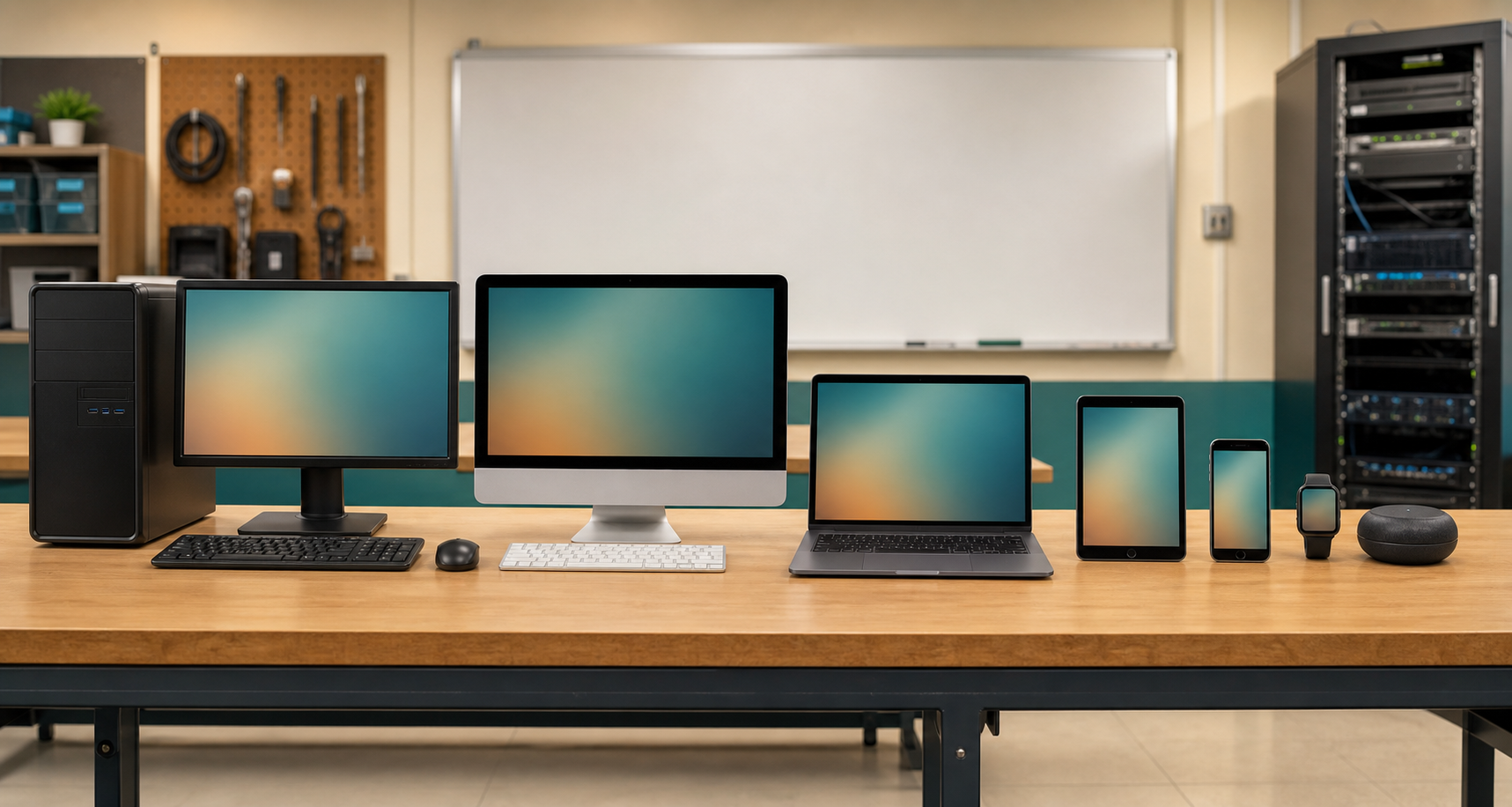
Build a mental model that works for towers, phones, servers, smartwatches, and even a networked light bulb.
Start the field guide ↓In the 1980s, a computer was easy to spot: a large case, a green-on-black display, and often an external floppy disk drive. Later, the familiar tower, separate monitor, keyboard, and PS/2 or USB mouse took over homes and offices.
Today, hardware may hide behind an all-in-one display, fold into a laptop, slip into a phone, sit on your wrist, or disappear inside a car. A+ technicians use a better test.
Think of a restaurant: you place an order, the kitchen transforms ingredients, records track it, and a meal arrives.
Data or commands enter the system.
Keyboard · mouse · microphone · touchscreenThe CPU or GPU works on instructions and data.
CPU · GPUData is held briefly or kept for later.
RAM · hard drive · SSDThe system delivers a result.
Monitor · speakers · printerInput: tap · Processing: edit · Storage: saved copy · Output: display
Three layers cooperate. Mixing them up is a favorite source of exam distractors.
Physical parts: input devices; CPU and GPU for processing; RAM, hard drives, and SSDs for storage; and monitors, speakers, and printers for output.
Programs tell hardware what to do.
Embedded software controls hardware at a low level. Updating it is called flashing.
The simulation gives you a need—not a product name. Choose the best device class.
Read the need, ignore shiny details, and select the best device category for seven service tickets.
Choose the best answer. Multiple-response items earn credit only when the entire response is correct.